 01
01Pair your phone
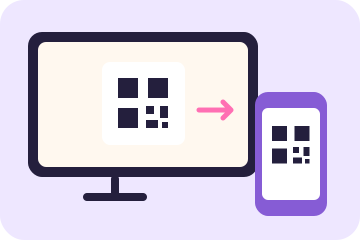
Open the Android TV app and choose phone camera. Scan the QR code on the TV with your phone’s camera and open the link in your phone browser.
Bring the whole-body fun to your TV. Your phone becomes the camera, and every flap, jump, and swipe becomes part of the game.
Show me how ↓Or play in your browser →You’ll need the MoveToPlayGames Android TV app, a phone with a camera, and an internet connection.
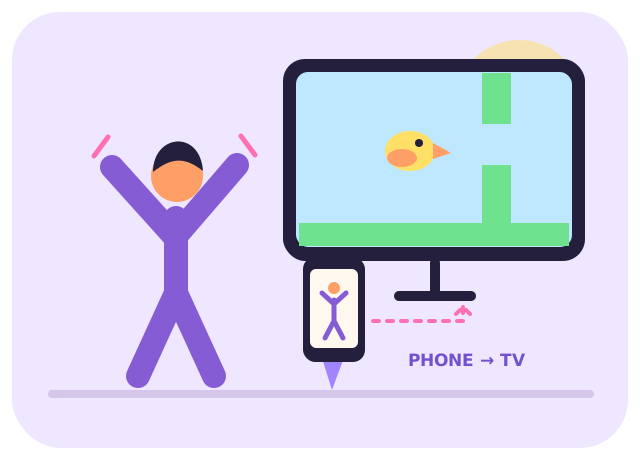
Keep your phone near the TV, facing the play area. You’ll watch the game on the big screen.
01Open the Android TV app and choose phone camera. Scan the QR code on the TV with your phone’s camera and open the link in your phone browser.
 02
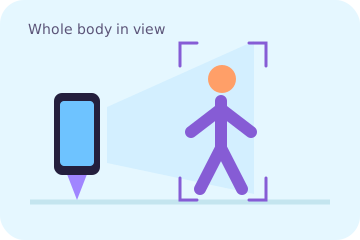
02Read the camera notice and tap I understand — open camera. Place your phone securely, facing you. Step back until your whole body fits in the preview.
 03
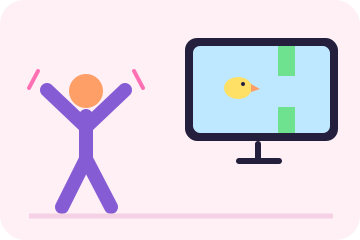
03Keep the phone page open and visible. Pick a player and game on the TV, follow calibration, then flap, jump, squat, or swipe to control the action.
Clear space to move, use good lighting, and keep the phone stable. Ages 6+; children play with a parent or guardian.
No. Camera frames are processed on the phone. Live body-pose landmarks go to the paired TV over encrypted WebRTC to control the game. Read our privacy policy.
Keep the browser visible and the camera on. If the connection is lost, scan a fresh QR code on the TV. Tap Stop camera on the phone when you finish.
Yes, the app also offers a TV camera option for compatible cameras. Phone camera mode is an alternative when you don’t have a compatible TV camera.
Open MoveToPlayGames on your Android TV and choose phone camera to get started.
Back to the setup steps ↑